
3E33 App Download: Install the Android APK Step by Step
Download our Android app, install the APK in a few taps, and log in from your phone.
Table of Contents
Looking for the 3E33 App Download for Android? The 3E33 app gives you sports and cricket betting, e-sports, live tables, slots and crash games in one place on your Android phone. To get it, download the APK from our official site, allow the install from your browser, and open the file. The whole job takes about 5 minutes on a normal connection.
Before you start, make sure your phone allows installs from outside the Play Store. This setting is off by default on most Android phones, and it is the step most people miss. Without it, the install will stop with a warning.
What the 3E33 app offers on your phone
The app puts the whole platform in your pocket, so you do not need a laptop. It keeps your account, your balance and your game list in one place, and it loads faster than the mobile browser on a weak signal.
Inside the app you can:
- Place bets on cricket and football, and follow live odds.
- Play e-sports titles such as PUBG, CS2 and Dota 2 where the platform offers them.
- Open live dealer tables, slot games and the Aviator crash game.
- Deposit with bKash, Nagad or other methods shown in your cashier.
- Check promotions, vouchers and your responsible-gaming settings.
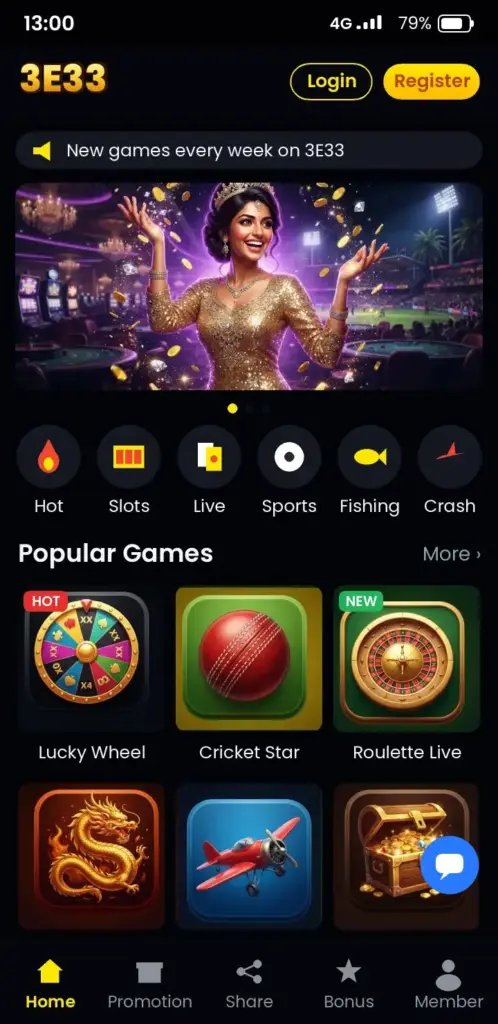
The list of games and payment methods can change. Check the current options in the app after you log in.
3E33 App Download from our official site
Open your phone browser and go to the official 3E33 website. Look for the Android download button on the home page. Tap it, and the APK file will start downloading to your Downloads folder.
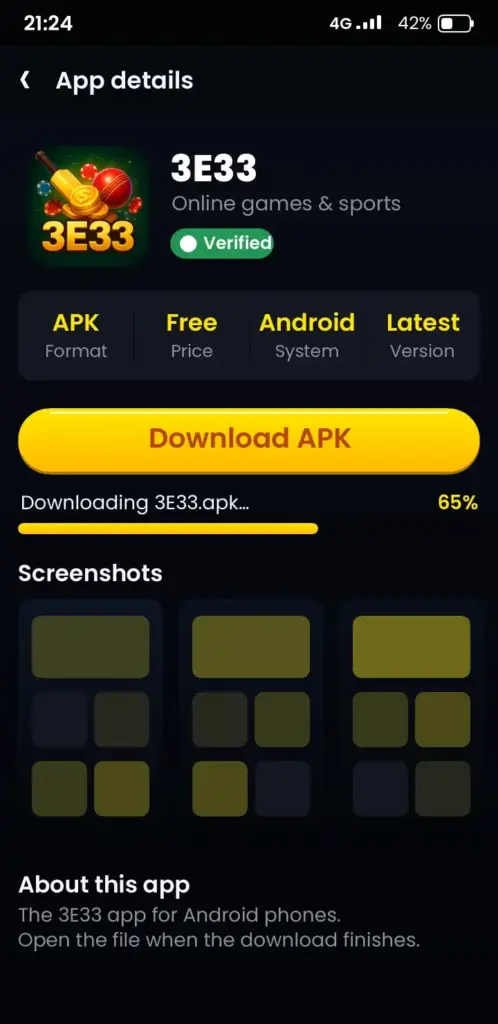
Only use the link on our official site. A file from another source can be a fake, so do not install it.
Download steps for the APK file
- Open the official 3E33 site in Chrome or another browser.
- Tap the Android download button.
- Wait for the file to finish. Check the notification bar.
- Keep the file. You will open it in the next section.
Install the APK step by step
Installing takes a few taps. Your phone will ask you to allow the install once, and then it will run on its own.
- Open your Downloads folder and tap the 3E33 APK file.
- If your phone shows “Install unknown apps”, tap Settings and turn on Allow from this source for your browser.
- Go back and tap the file again.
- Tap Install and wait about a minute.
- Tap Open. Then log in or register.
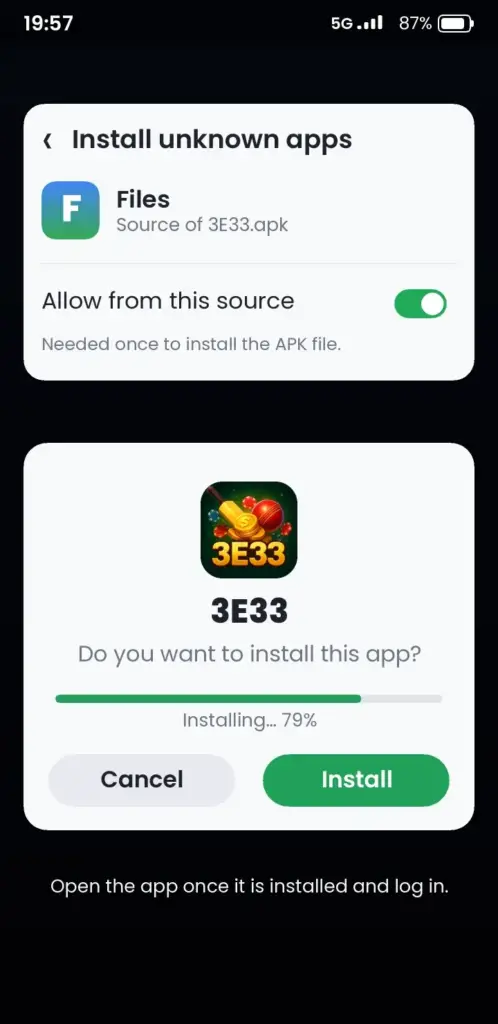
After the install, you can turn off the unknown-source setting again. Your app keeps working.
Common install errors and fixes
| Problem | What to do |
|---|---|
| “App not installed” | Delete any older 3E33 version first, then install again. |
| “Install blocked” | Allow installs from your browser in Settings, then retry. |
| File will not open | Download the APK again to get a complete file. |
| “Not enough storage” | Free some space. Clear old photos, videos or cache. |
Update the app and check your version
We release updates when the platform changes. Updates can add new games, fix bugs and improve login speed. Check the version number in the app settings.
To update, download the newest APK from our official site and install it over the old one. Your login and balance stay the same. If the install fails, uninstall first, but keep your login details safe.
Use the mobile site if you cannot install the app
Some phones cannot install an APK. In that case, open the official site in your mobile browser and use the mobile version. You get most of the same games and payment options.
The browser version needs a stable signal. Check the current options in the site menu.
iPhone and other devices
The app on this page is for Android. For iPhone, use the mobile site in Safari. Check our official site for the latest device details before you plan your play.
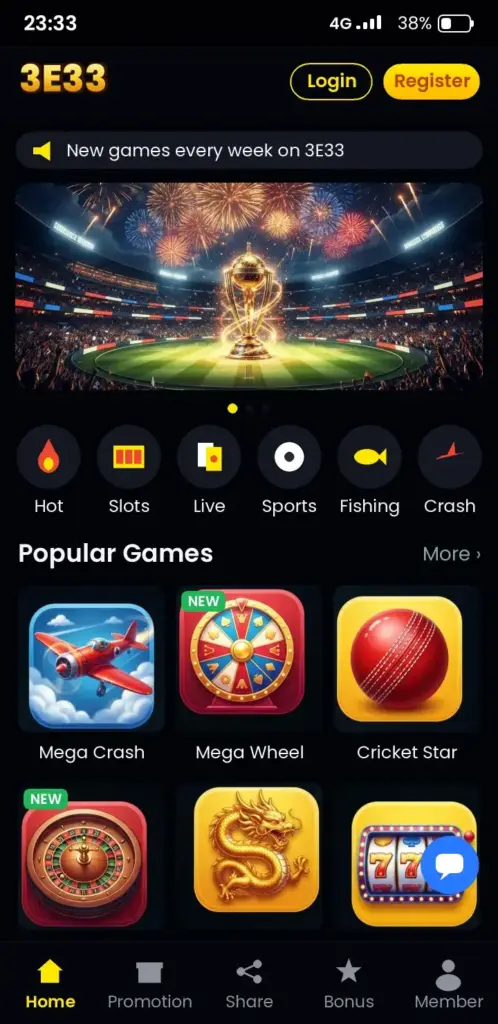
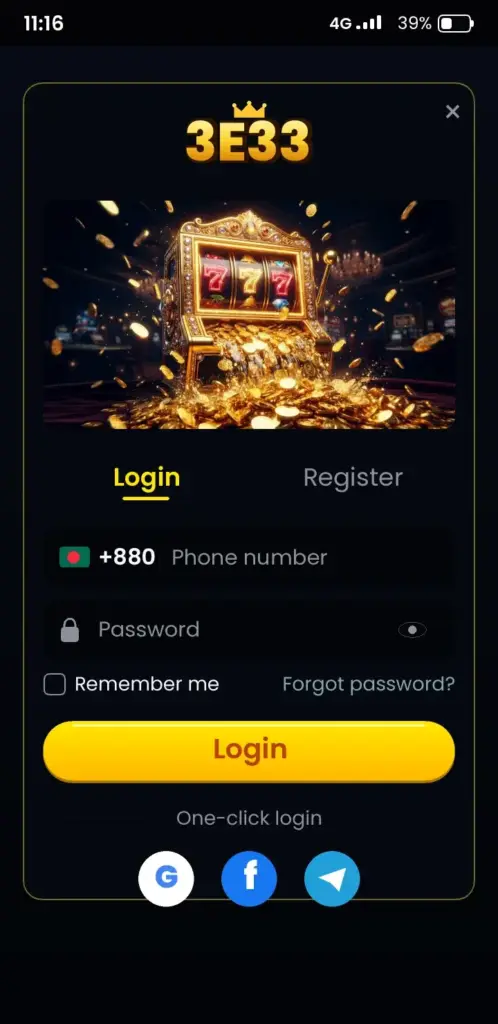
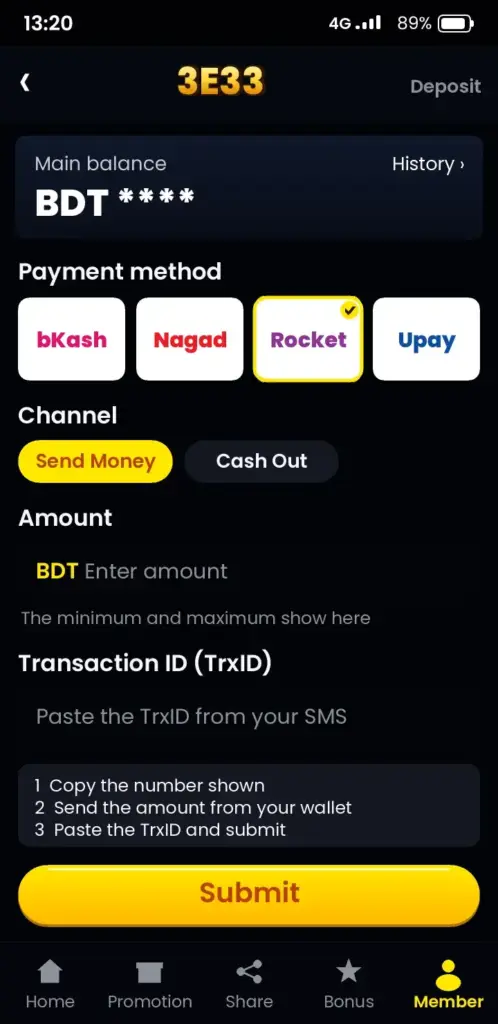
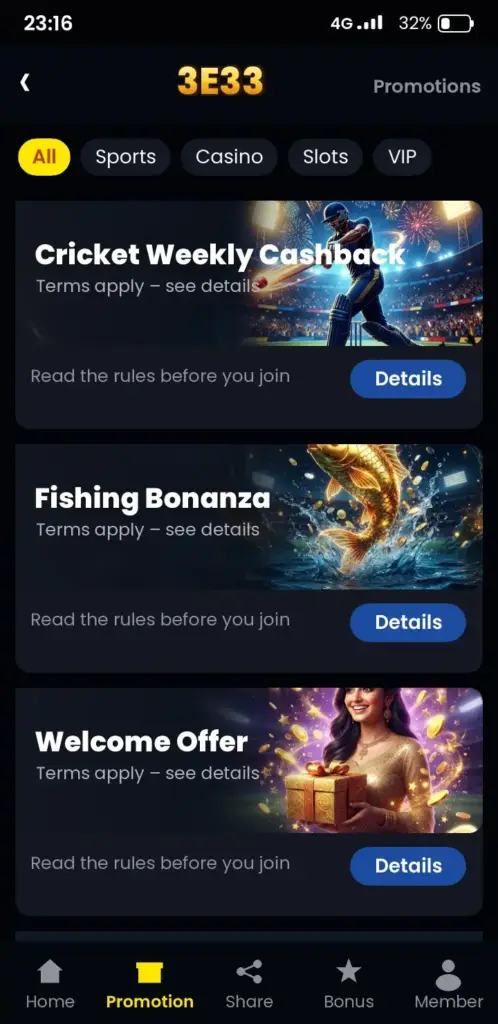
3E33 App Screenshots: Game Lobby, Login, Deposit & Bonuses
See how the 3E33 app looks on an Android phone before you download it – tap any screen to open the app.
Quick summary of the download and install
Download the APK from our official site, allow the install once, and log in. Keep your phone storage free, and update the app when we release a new version.
Next step: register or log in
Once the app is installed, open it and register with us if you are new. If you already have an account, log in and check your balance first.
18+ only. Betting and games are for adults aged 18 and over. Play responsibly, set a daily budget before you deposit, and never share your password or OTP with anyone. You can lose money, so only play with what you can afford to lose. Free and confidential help is available at Gambling Therapy.
Download the app now, and log in to start your first session.
Frequently Asked Questions
How do I download the 3E33 app on Android?
Open the official 3E33 site in your phone browser and tap the Android download button. The APK file saves to your Downloads folder. Then open the file, allow the install from your browser if asked, and tap Install. The whole process takes a few minutes.
Is the 3E33 APK safe to install?
Install the APK only from our official site, because other sources can offer a fake file. Never share your password or OTP. Check the current terms and security details in the app after you log in, and keep your phone software updated.
Why does my phone block the 3E33 APK install?
Android blocks installs from outside the Play Store until you allow it. Go to Settings, open the install permissions for your browser, and turn on the option. Then tap the APK again and finish the install.
Can I install 3E33 on an iPhone?
This page covers the Android app. For iPhone, use the mobile site in Safari from our official site. Check the site for the current device options before you plan your play.
How do I update the 3E33 app to the latest version?
Download the newest APK from our official site and install it over the old one. Your account and balance stay the same. If the install fails, delete the old version first, then install the new file again.
What do I need to run the 3E33 app on my phone?
Your phone needs a working Android version, enough free storage, and a stable internet connection. Check the required Android version and app size in the download section before you install. Free storage helps prevent install errors.
How do I log in to 3E33 after installing the app?
Open the app, tap Login, and enter your username and password. If you are new, tap Register first. Use the mobile login on the same phone, and never share your OTP with anyone who asks for it.
How do I deposit with bKash in the 3E33 app?
Open the cashier in the app, choose bKash, and enter the amount in taka. Follow the on-screen steps and keep the bKash transaction ID until your balance shows the deposit. Check the current minimum deposit in the app.
Are there bonuses for new players who download 3E33?
New player offers depend on the current promotions shown in the app. Read the wagering, validity and eligible games before you claim. We do not state any amount here, so check the bonus page in the app for the current terms.
Kivabe 3E33 app download korbo ar install korbo?
Official site theke APK file download korun. Phone settings e browser ke install permission din, tarpor file ta open kore Install tap korun. Install hole app khule login korun. Sob step ekhane upore dewa ache.